When people talk about accessibility, they usually mean blind users and screen readers. But a website for Deaf people has its own, equally important requirements — and most businesses don't even notice them. It seems that a Deaf person can "just read the text". In reality it is more complicated.
At QD we are a studio where Deaf designers and developers work. We have built websites and services for the Deaf community: the UTOG portal, the mobile Servis UTOG for sign language interpreting over an online connection, the website of the sign language interpreters' association UASLT and the Chuiu Sertsem foundation. Here we share what we know from our own experience. Our examples come from Ukraine, but the same principles apply to ASL, BSL and any other sign language.
Why it matters right now
- Sign language is protected by law. In January 2025 Ukraine updated Article 23 of the Law "On the Fundamentals of Social Protection of Persons with Disabilities": the state guarantees the preservation, study and use of sign language and supports interpreting services.
- The audience is bigger than it seems. At the start of 2024 the Ukrainian Society of the Deaf alone had about 30,000 people with hearing loss on its register. There are also people who lost their hearing with age and those who suffered blast injuries in the war — and their number is growing.
- Digital accessibility is becoming mandatory. The European Accessibility Act already applies in the EU, and Ukraine's parliament is considering a digital accessibility bill. More in the article "Website accessibility: how to make a barrier-free website".
The myth: "Deaf people can just read"
For many people who were born Deaf, their native language is a sign language — in Ukraine, Ukrainian Sign Language (USL). It is a full language with its own grammar, not a "signed version" of Ukrainian. Written Ukrainian is their second language, learned like a foreign one.
So a complex text full of bureaucratic phrases, long sentences and rare words can be as much of a barrier for a Deaf person as a legal document in a foreign language is for you. That is why a website for Deaf people rests on three pillars: captions, sign language and plain text.
1. Video captions
Captions are a basic requirement. In WCAG they are required for pre-recorded video already at the minimum level A, and for live streams at level AA.
How to make good captions:
- Check automatic captions. YouTube and AI models make mistakes with names, terms and numbers. One mistake in a price or a date — and the meaning is distorted.
- Convey not only speech but also sounds:
[laughter],[music],[doorbell]— if they matter for understanding. - Synchronisation. The text appears together with the speech, not two seconds later.
- Readability. No more than two lines, a contrasting background under the text, enough time on screen.
- Embedded videos too. Videos on social media and in ads are usually watched without sound — everyone needs captions.
2. Sign language on a website
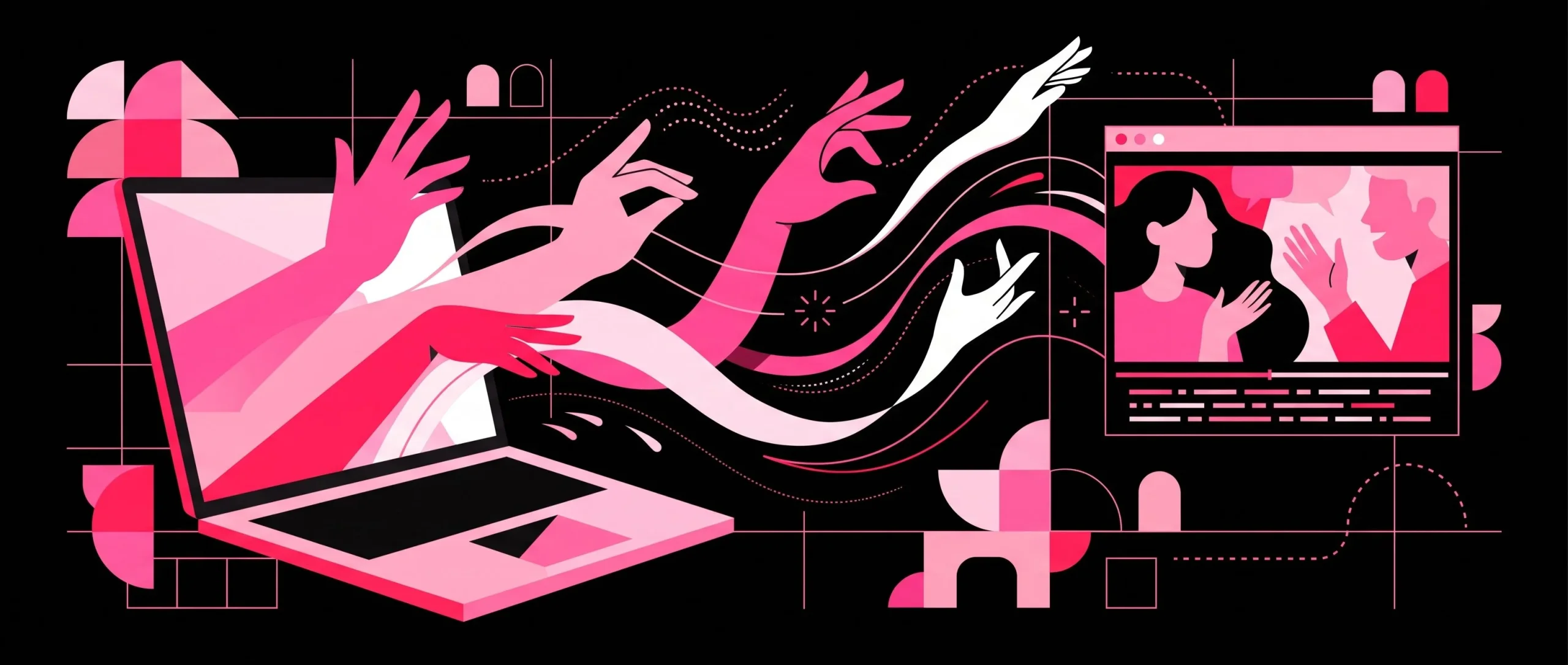
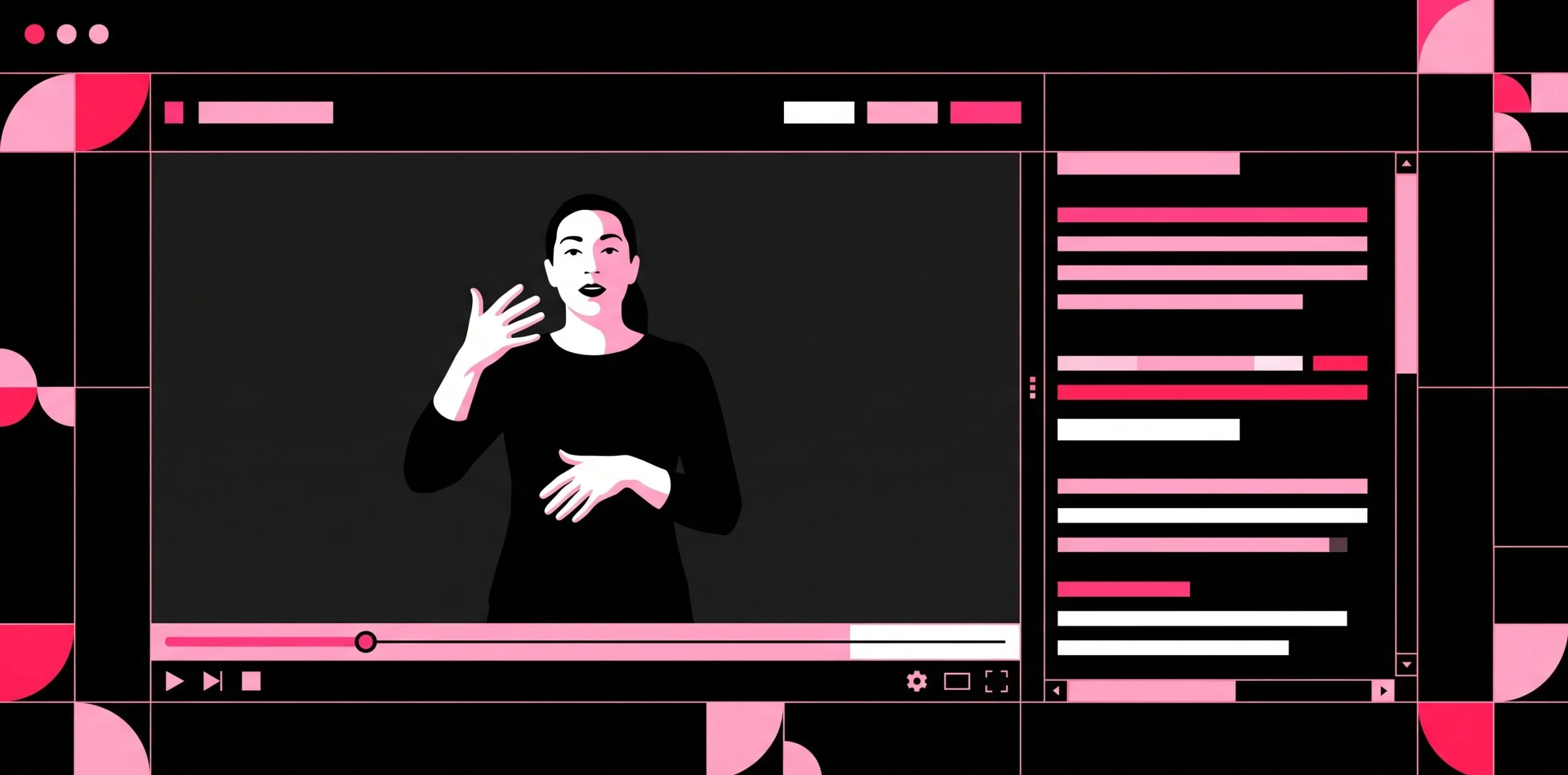
In WCAG, sign language interpretation is the highest level, AAA. So the law does not yet require it for every video. But for websites that work with the Deaf community — social services, healthcare, education, public services — a sign language video gives what no captions can: information in a person's native language.
What to translate into sign language first:
- the home page or a short "who we are and what we do" video;
- instructions: how to book, apply for a service, pay;
- important news and warnings;
- rules and terms where the cost of a mistake is high.
How to present a sign language video:
- Size matters. A small window in the corner is bad: signs and facial expressions must be clearly visible. Better a separate video next to the text it translates.
- A plain background and contrasting clothes for the interpreter. A busy background and jewellery distract from the signs.
- Hands and face fully visible. Facial expressions are part of sign language grammar.
- A Deaf presenter or a professional interpreter. It is best when the video is recorded by a native signer or a certified interpreter — interpreters' associations can help you find one.
- Label the video in text: "Translation into Ukrainian Sign Language", so people find the right content at once.
3. Plain text
Plain text helps every reader, but for Deaf people it is critical.
- One idea — one sentence. Write in short paragraphs.
- Instead of "make a payment" — "pay", instead of "should any questions arise" — "if you have questions".
- Explain terms or give an example next to them.
- Break instructions into numbered steps.
- Add images, diagrams and icons that support the text.

4. Contact without phone calls
The most common and most frustrating mistake is the phone as the only way to get in touch. For a Deaf person a "Call us" button means "we don't serve you".
- Offer several channels: a request form, e-mail, Telegram or WhatsApp, an online chat.
- Don't make the phone a required field in forms — let people leave an e-mail or a messenger handle.
- If you offer a video call, add the option to bring in a sign language interpreter.
- State the real response time in the auto-reply — so the person doesn't have to "get through" to find out the status.
5. No sound traps
- CAPTCHA. If there is an audio option, there must be another one too — without sound and without complex puzzles.
- Notifications. Duplicate any sound signal on a website or in an app visually: with text, colour, vibration.
- Voice assistants and voice messages cannot be the only interface.
Checklist: is your website comfortable for Deaf people
- All videos have checked captions.
- Key information is available as text, not only in video or audio.
- Important instructions are translated into sign language (for social services).
- Texts are short and simple, instructions are broken into steps.
- There are at least two ways to get in touch without a call.
- The phone is not a required field in forms.
- Sound signals are duplicated visually.
- The CAPTCHA has an option without sound.
How we can help
We design websites and mobile apps so that they are comfortable to use without sound: with text-based ways to get in touch, quality captions and room for sign language videos. Most importantly, we test everything on ourselves, because this is our everyday experience.
Planning a service for people with hearing loss or want to make your website comfortable for Deaf customers? Write to us — we reply in writing, the way that suits our team.
Sources (in Ukrainian and English): Law "On the Fundamentals of Social Protection of Persons with Disabilities in Ukraine", Art. 23 (as amended by Law No. 4219-IX of 15.01.2025) · Vikna-Novyny: UTOG data on the number of people with hearing loss · W3C: WCAG 2.2