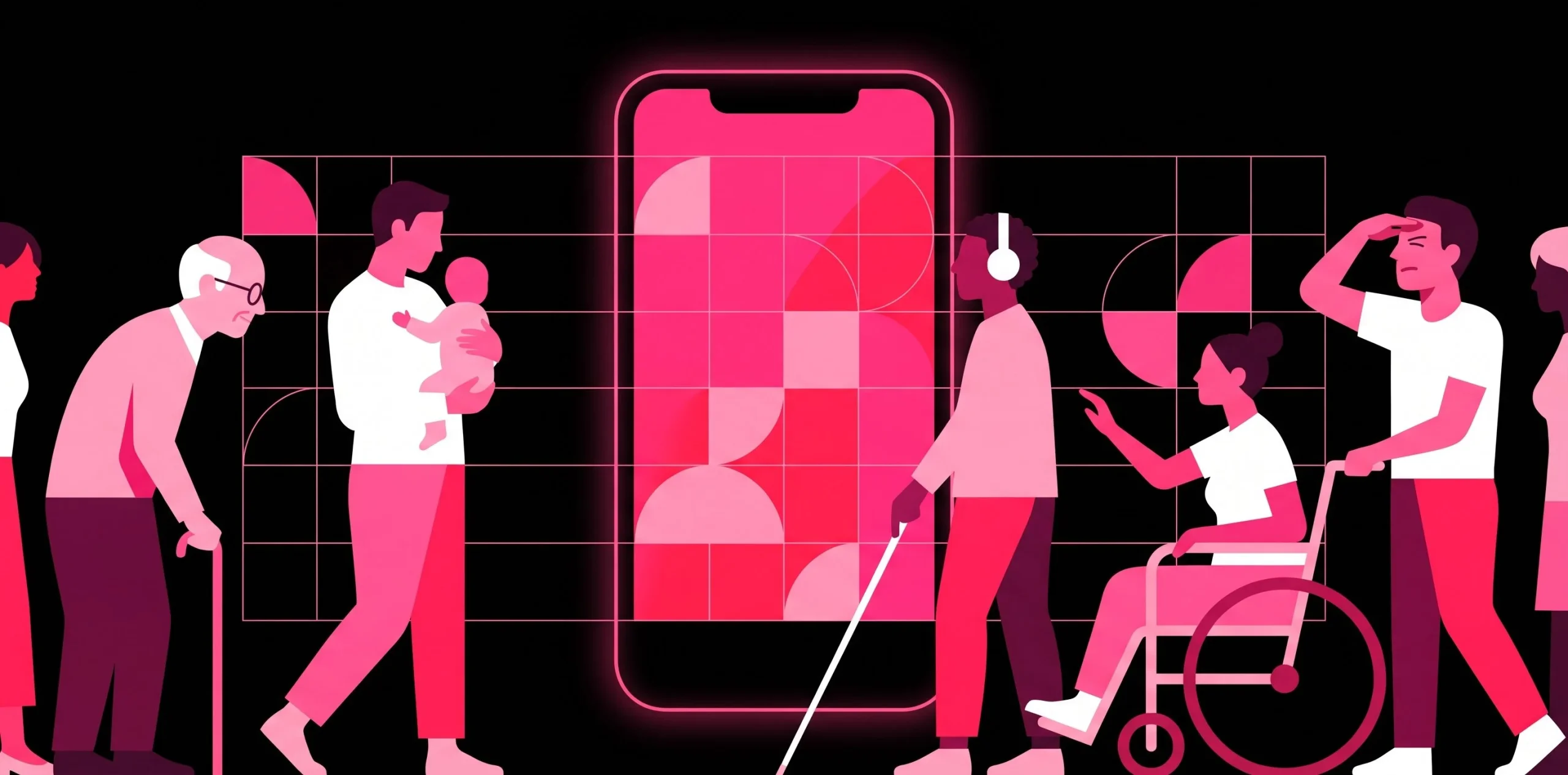
Digital accessibility means that every person can fully use a website, an app or a document, regardless of eyesight, hearing, mobility, age or circumstances. It is most often associated only with people with disabilities. That is true but incomplete: millions of people without any diagnosis use accessibility every day. In this article we look at who they are and why a business should think about them from day one.
Digital accessibility in numbers
According to the World Health Organization, about 1.3 billion people — roughly one in six worldwide — live with a significant disability. In Ukraine, according to the Ministry of Social Policy, there are about three million such people, and because of the war that number is growing.
But that is only the visible part. Accessibility is also needed by:
- older people whose eyesight, hearing and fine motor skills are getting worse;
- people with a temporary injury: a broken arm, eye surgery;
- anyone in an awkward situation: bright sun, noisy transport, a child in their arms.
Interestingly, public attitudes have changed too: according to a study presented at Ukraine's Barrier-Free Council in 2025, accessibility has become one of the new values for 87% of Ukrainians.
Three kinds of limitations: permanent, temporary, situational
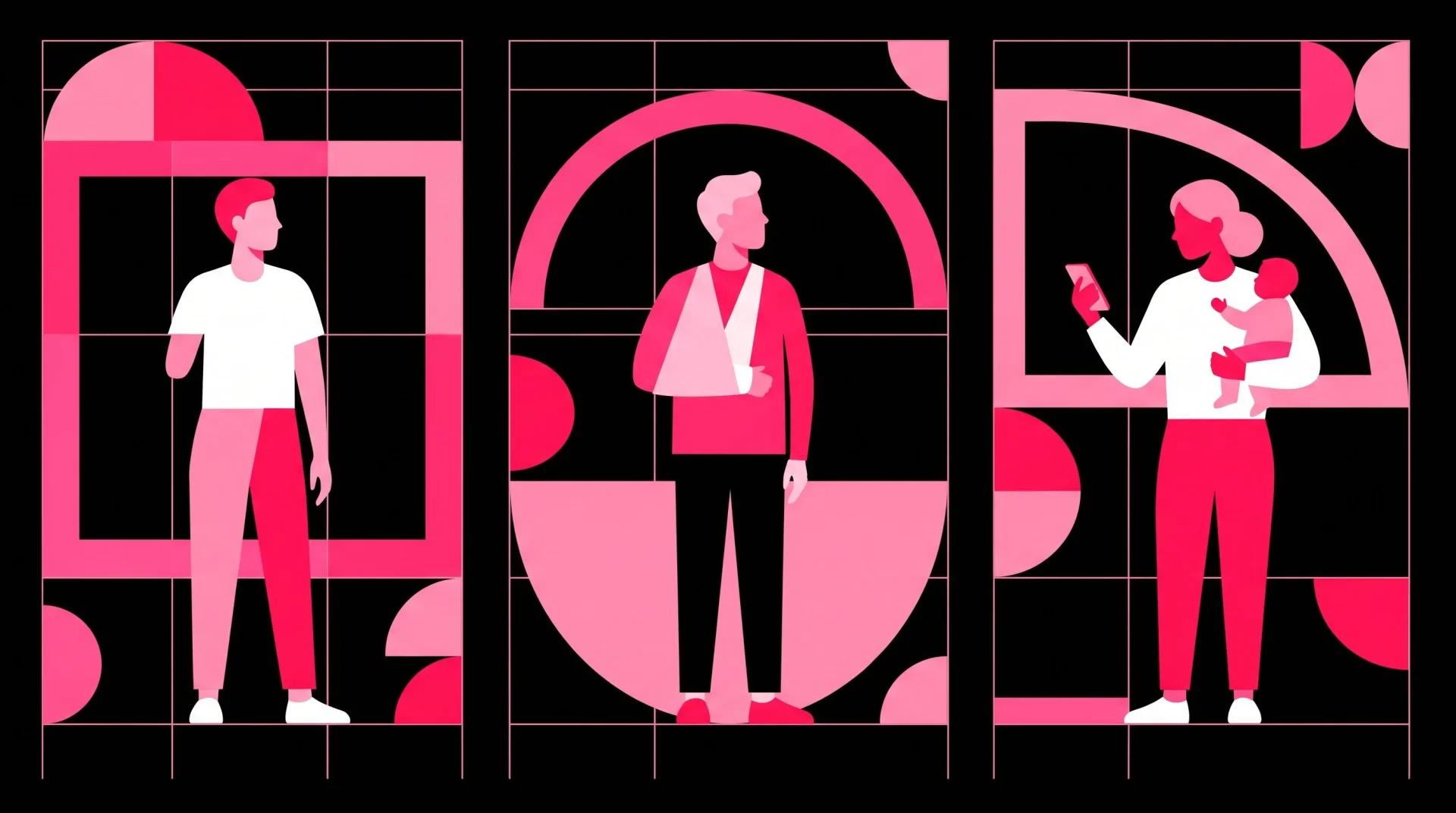
Designers use a simple three-level scheme. It shows perfectly that accessibility is not "for someone else".
| Need | Permanent limitation | Temporary | Situational |
|---|---|---|---|
| Use one hand | missing arm | broken arm | holding a child or a coffee |
| See the screen | blind person | after eye surgery | bright sun, cracked screen |
| Hear sound | Deaf person | ear infection | noisy metro, a sleeping baby |
| Concentrate | attention disorder | fatigue, stress | constant distractions |
A solution created for the first column helps all three. Captions were invented for Deaf people — and now most social media videos are watched without sound. Large buttons are needed by people with tremor — and by everyone who taps a phone on a bumpy bus.
Who accessibility helps: real people
Blind and low-vision people
They use screen readers — programs that read the page aloud — or zoom the screen 2–4 times. They need: image descriptions (alt text), correct headings, labelled buttons and form fields, sufficient contrast.
Popular screen readers:
Deaf and hard-of-hearing people
They won't hear a video, a voice message or a call from an operator. They need: captions, text versions, sign language interpretation for important materials and the option to get in touch in writing. As a studio of Deaf professionals, we know this from our own experience — more in the article "A website for Deaf people".
People with motor impairments
They may not use a mouse: they navigate with a keyboard, voice, a joystick or a single switch. They need: full keyboard navigation, visible focus, large enough buttons, no actions like "drag to confirm".
People with cognitive differences
Dyslexia, attention disorders, the effects of injuries or simply severe fatigue. They are helped by: simple clear text, short paragraphs, predictable navigation, no timers and no flashing animations.
Older people
The largest and fastest-growing group. They often have several mild limitations at once: they see a bit worse, hear a bit worse, react more slowly. They are the ones who most often abandon a complex form halfway through.
Why digital accessibility pays off for business
More customers. One in six potential buyers has a disability, and counting older people and situational limitations, far more. An inaccessible website simply cuts these people off.
Higher conversion for everyone. Clear forms, contrasting buttons and simple text increase the number of requests from any audience, not only from people with disabilities.
Better SEO. Google "sees" a page almost the same way a screen reader does: headings, alt text, structure. An accessible website is easier to index.
Legal requirements. The European Accessibility Act has applied since 28 June 2025 and affects many companies selling online in the EU. In the US the ADA and in the UK the Equality Act set similar expectations, and Ukraine is moving the same way — accessibility is a national strategy.
Reputation. People notice and value accessibility. For many it is a sign that a company really cares about its customers.

Four myths about accessibility
"We don't have such customers." You do — they just can't reach you, so they are invisible. People don't complain about a website they couldn't use; they go to a competitor.
"An accessible website is boring." No. Accessibility doesn't forbid bright colours, animation or bold design. It only requires text to be contrasting, animation to be switchable off and buttons to be findable. Our own website is pink, black and geometric — and accessible.
"It's very expensive." What is expensive is rebuilding a finished website. If you build accessibility in at the design stage, it adds almost nothing to the cost: the same buttons and texts, just made more carefully.
"We'll add an accessibility widget and be done." A button with a person icon that "turns on accessibility mode" doesn't fix problems in the code. A screen reader still won't read an unlabelled button, and the keyboard still won't reach the menu. A widget is a placebo, not a solution.
Where to start
You don't need to rebuild everything at once. Start with five steps that give the biggest effect:
- Add meaningful descriptions to all photos.
- Check the contrast of text and buttons.
- Go through your website with the keyboard only, no mouse: the Tab key should reach every button.
- Label all form fields and write clear error messages.
- Add captions to videos and a written way to get in touch.
The full 12-point checklist is in the article "Website accessibility: how to make a barrier-free website". And if you want accessibility built in from the very beginning, we build websites where it is part of the design, not a patch after launch.
In short
Digital accessibility is not charity and not a niche requirement. It is a way to make a product comfortable for everyone: for people with disabilities, for older people, for the tired, for those in a hurry. The sooner you think about it, the cheaper it will be and the more customers will be able to reach you.